How to fix the log-in issues(aka missing characters).
 Manty
MantyMar 19, 2025 @ 7:58am2311
CharactersModding or ConfigurationWalkthroughs
Solution
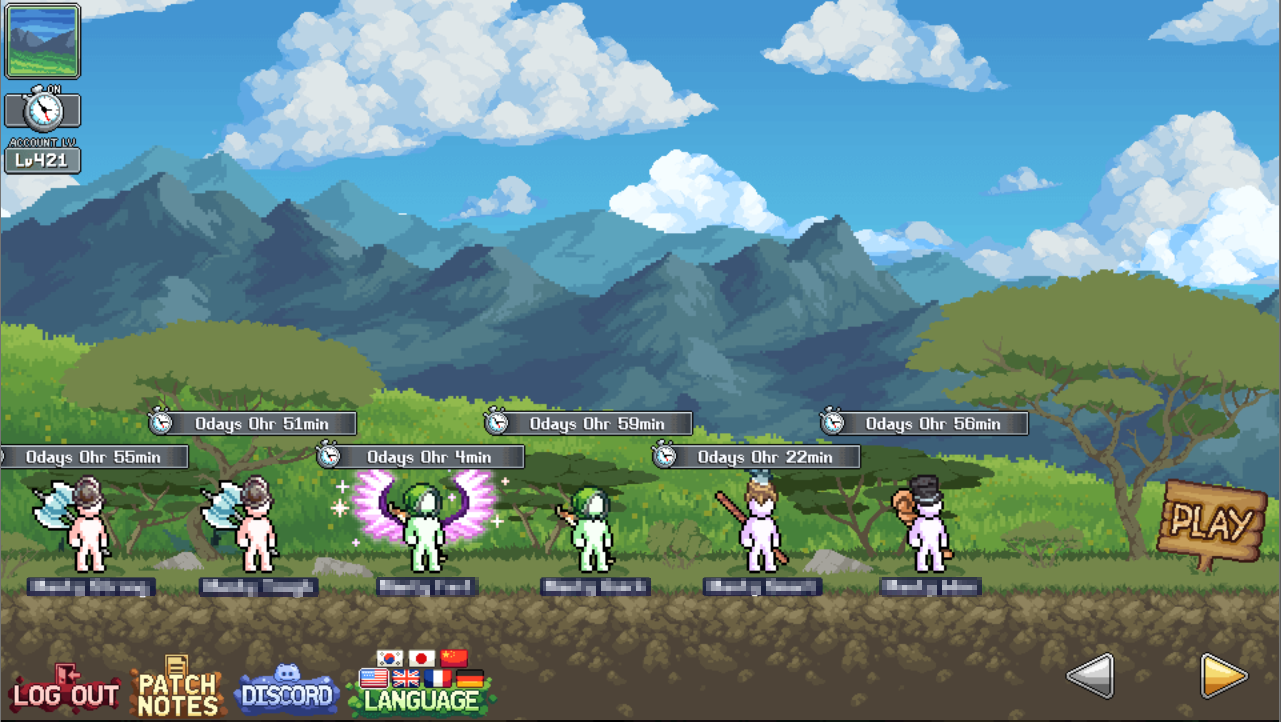
On the games Discord, the game's developer(LavaFlame2) posted instructions on how to resolve this issues. This happens because the game is attempting to default to "Sign in with Steam", but your account previously used a different sign-in method. To fix this, follow these steps below:
1. Close the game completely.
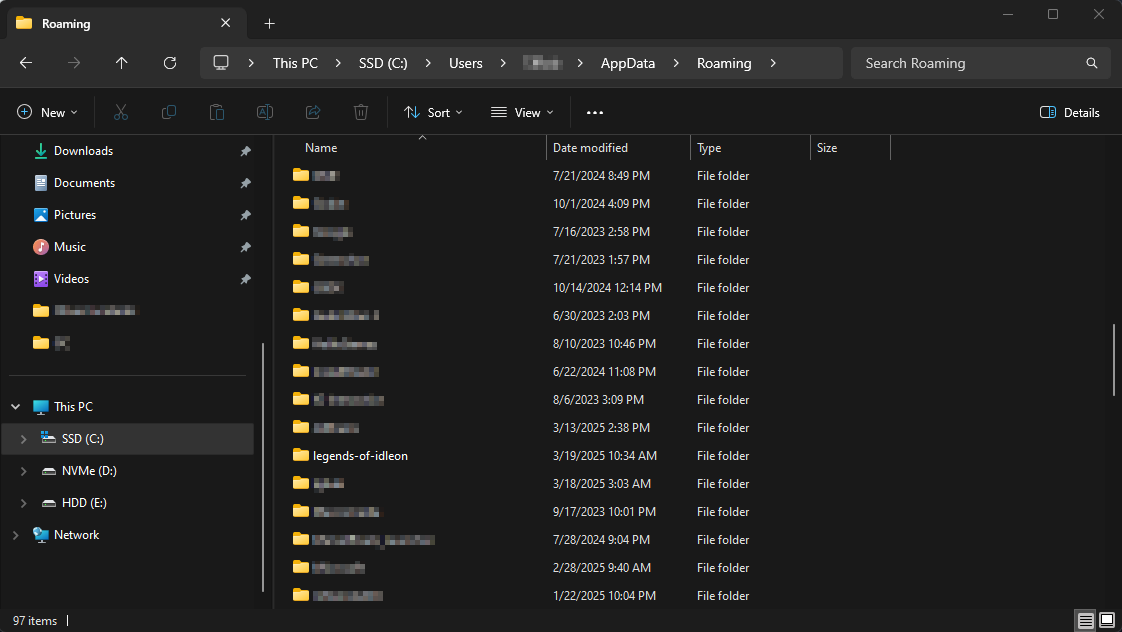
2. Navigate to your the Roaming folder under your user folder. Usually C:\Users\{YourUser}\AppData\Roaming
3. Delete the 'legends-of-idleon' folder. (this will not delete your account/characters)
4. Relaunch the game.
5. Sign into the game using the proper method. "Sign in with Steam" was added late 2024, so it is most likely not that. You most likely used an email/password combination or another method such as "Sign in with Google."
6. Enjoy!