

Как включить шкалу здоровья у врагов?(How to turn on the health bar of the enemies?)
 BlackWings
(814 ratings)
Sep 19, 2020 @ 10:36am58,5131,131
Russian
Rus
Вступительная болтовня)
Хэй, выжившие! Я заметил, что некоторые люди не знают как включить полоску здоровья, поэтому я решил помочь вам в этом)
Начнём
Итак, начнём. Сначала, откройте расположение 7DtD. Затем, зайди в папку "Data", в ней зайдите в папку "Config". Тут нам надо снова зайти в папку, которая называется "XUi". После этого найдите файл с названием "windows".
Открывайте его и используйте комбинацию Ctrl+F. В поисковую строку скопируйте это - windowTargetBar. Тогда вас отправит к строчке <window name="windowTargetBar" controller="TargetBar" visibility="godmode">. Меняем visibility="godmode"> на visibility="always"> и всё, дело в шляпе, теперь вам не надо включать режим годмода, чтобы увидеть шкалу здоровья у той или иной сущности. Рад был помочь)
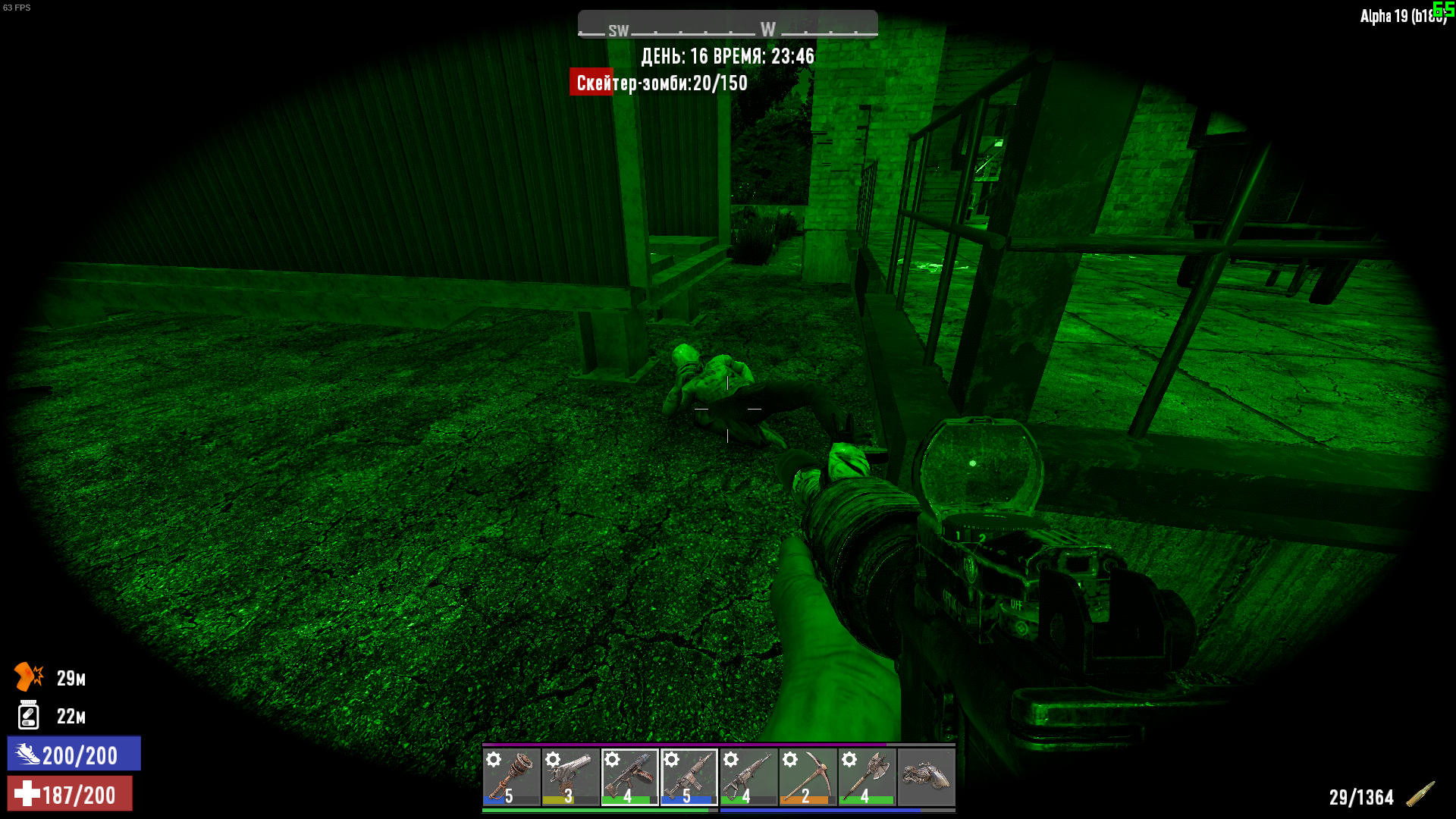
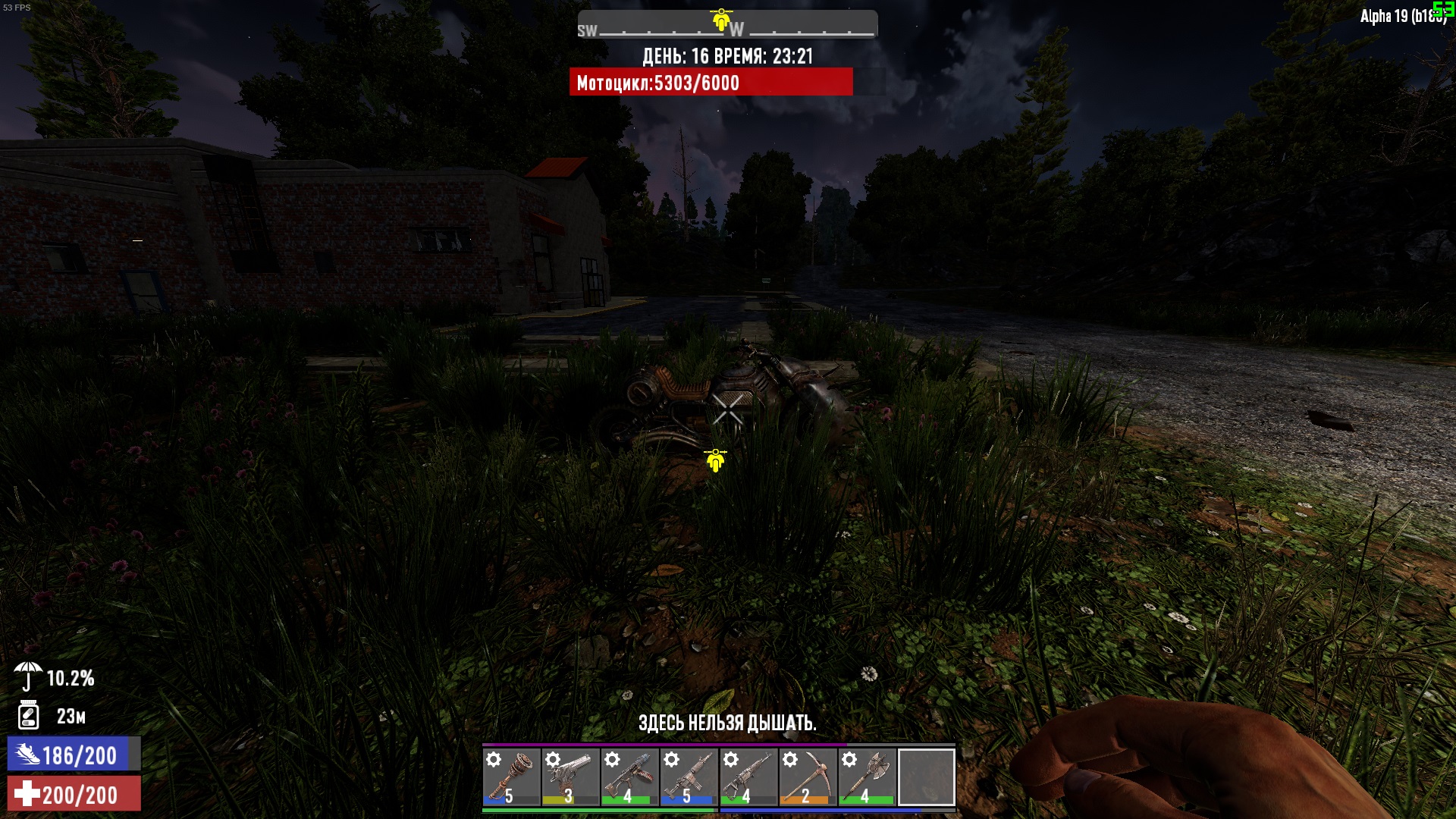
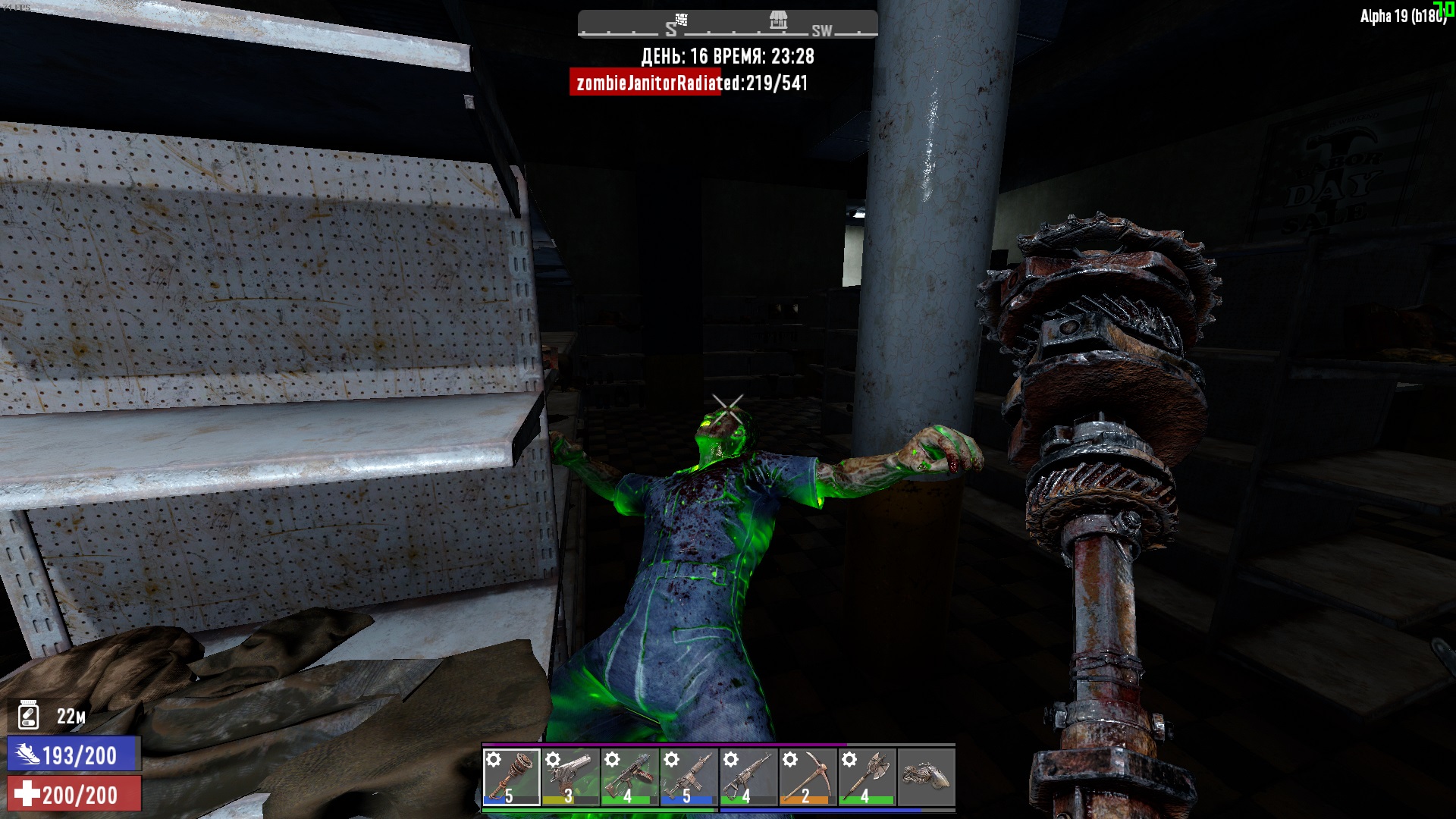
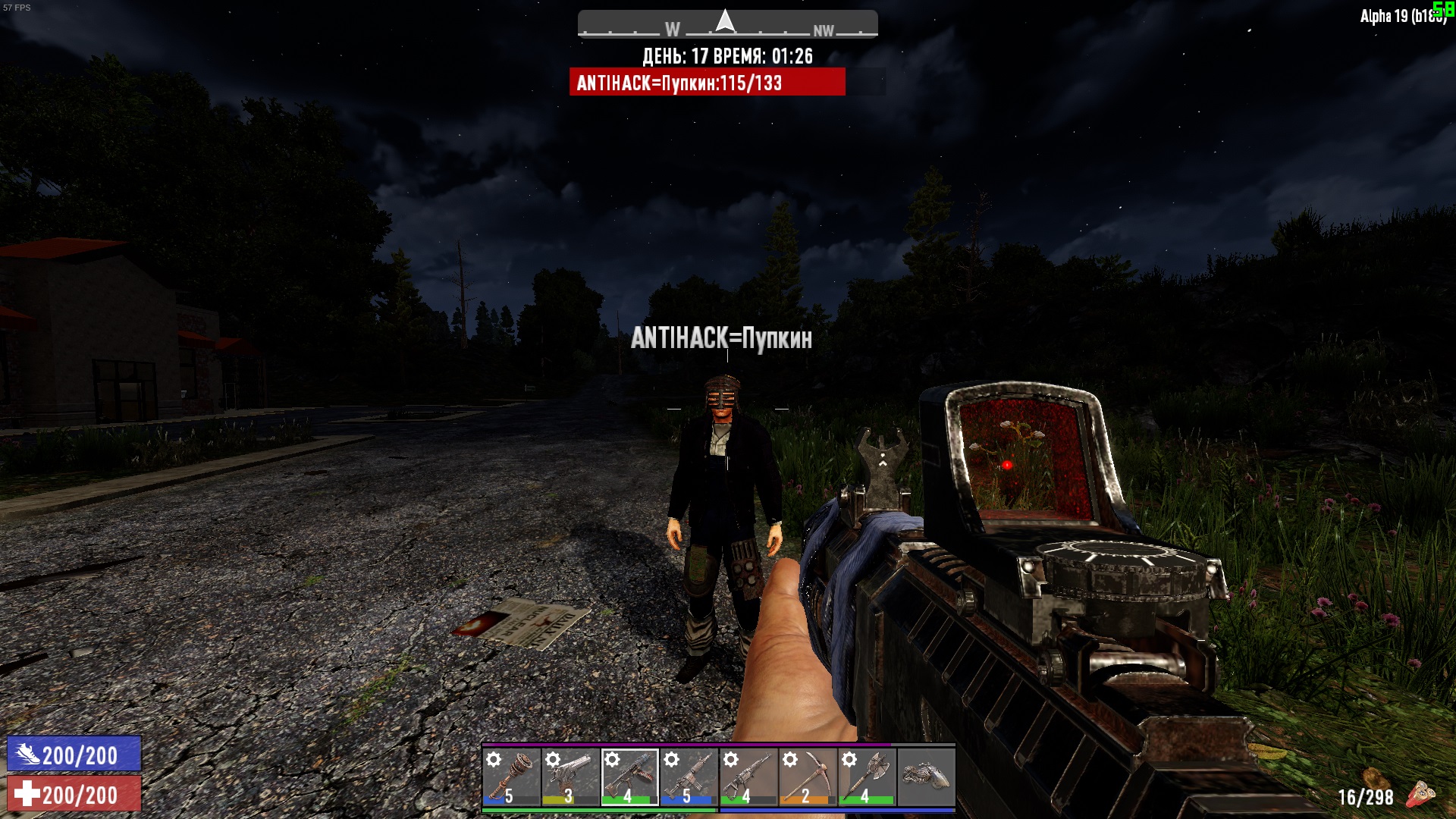
Открывайте его и используйте комбинацию Ctrl+F. В поисковую строку скопируйте это - windowTargetBar. Тогда вас отправит к строчке <window name="windowTargetBar" controller="TargetBar" visibility="godmode">. Меняем visibility="godmode"> на visibility="always"> и всё, дело в шляпе, теперь вам не надо включать режим годмода, чтобы увидеть шкалу здоровья у той или иной сущности. Рад был помочь)
Дополнение
Также спешу сообщить, что данная функция работает только у админа, то есть если вы подключились к серверу, на котором админ не включал данную функцию, но при этом у вас она включена, ни у кого она работать не будет, также и наоборот, если админ включил, а вы нет, то у всех это уже БУДЕТ работать, тут всё зависит от админа
Благодарности
Особые благодарности ANTIHACK=Пупкин, так как он был подопытным помощником в проверке этой не сложной смены одного слова) 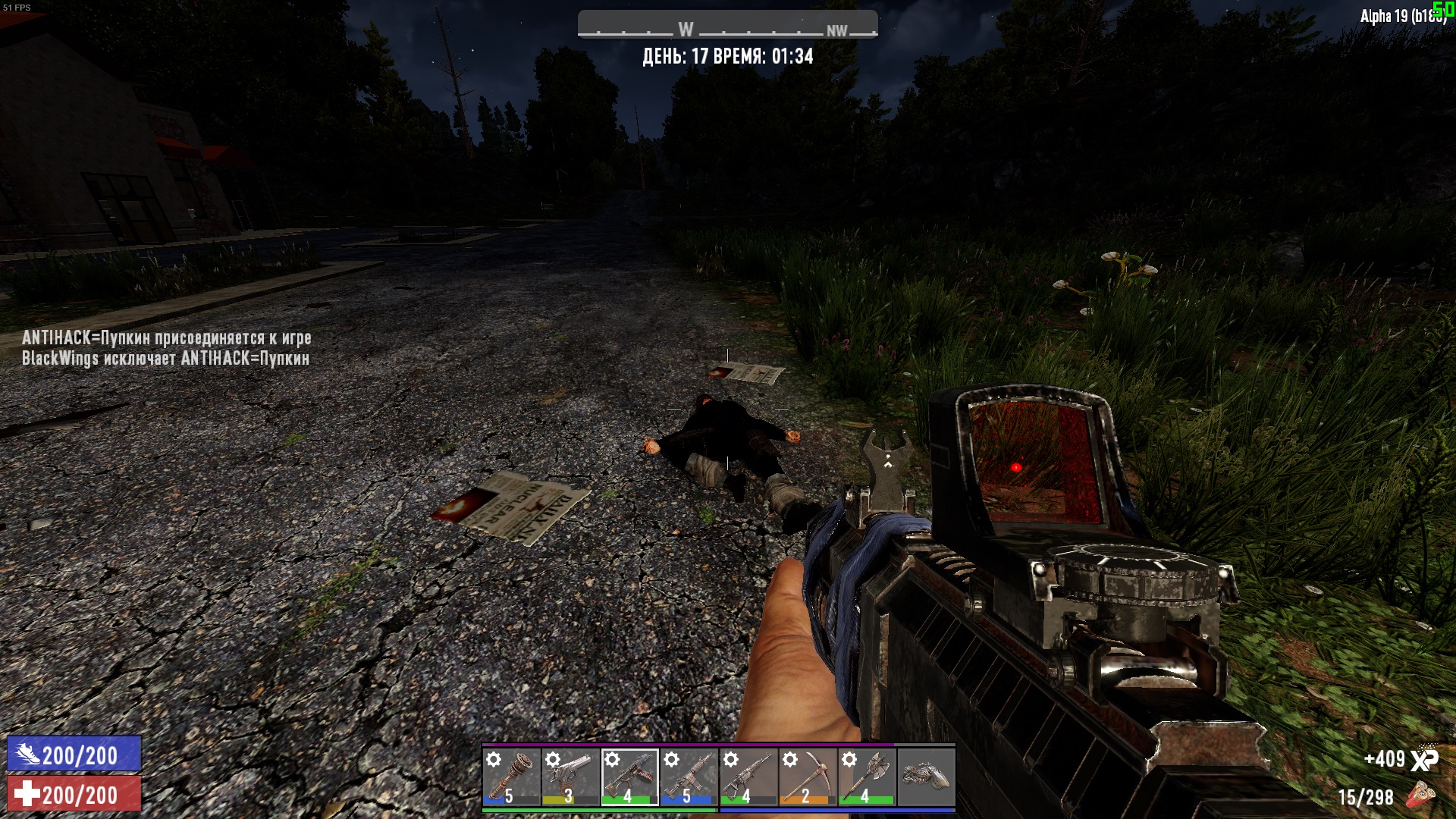
земля ему пухом ---->
Видео
Я сделал этот видос специально для тех, кто просто не может понять письменно и им надо показать наглядный пример)
Eng
Introductory chatter)
Hey, survivors! I noticed that some people don't know how to turn on the health bar, so I decided to help you with this)
Lets Start
So let's get started. First, open the 7DtD location. Then, go to the "Data" folder, go to the "Config"folder in it. Here we need to go to the folder called "XUi". Then find the file named "windows".
Open it and use the Ctrl+f combination. In the search bar, copy this - windowTargetBar. Then you will be sent to the line <window name="windowTargetBar" controller="TargetBar" visibility="godmode">. Change visibility="godmode"> to visibility="always"> and that's it, you don't need to turn on GodMode mode to see the health bar of an entity. Glad to help)
Open it and use the Ctrl+f combination. In the search bar, copy this - windowTargetBar. Then you will be sent to the line <window name="windowTargetBar" controller="TargetBar" visibility="godmode">. Change visibility="godmode"> to visibility="always"> and that's it, you don't need to turn on GodMode mode to see the health bar of an entity. Glad to help)
Video
I made this video especially for those who just can't understand writing and need to show a good example)
Addition
I also hasten to inform you that this function works only for the admin, that is, if you connected to a server on which the admin did not enable this function, but at the same time you have it enabled, it will not work for anyone, also vice versa, if the admin enabled it and you did not, then for everyone it is It will work, it all depends on the admin