

Dead Bodies Stay
 Khan Solo
(293 ratings)
May 30, 2013 @ 1:36pm12,766331
Modding or ConfigurationEnglish
Modify ROGame.ini
Note: Expect a significant framerate drop as bodies pile up!
Step 1: Navigate to:
C:\Users\<UserName>\Documents\My Games\RedOrchestra2\ROGame\Config
Step 2: Open ROGame.ini in a text editor ( Notepad / Wordpad / Notepad++ )Step 3: Search for the line:
FXLifetimeMultiplier=1.000000
Step 4: The lifetime of corpses and gibs is 30 seconds by default. Setting FXLifetimeMultiplier to 2.0 will make corpses last for 60 seconds. To have corpses last for 5 minutes, change the line to: FXLifetimeMultiplier=10.0
Step 5: Save your changes to ROGame.ini, and play the game!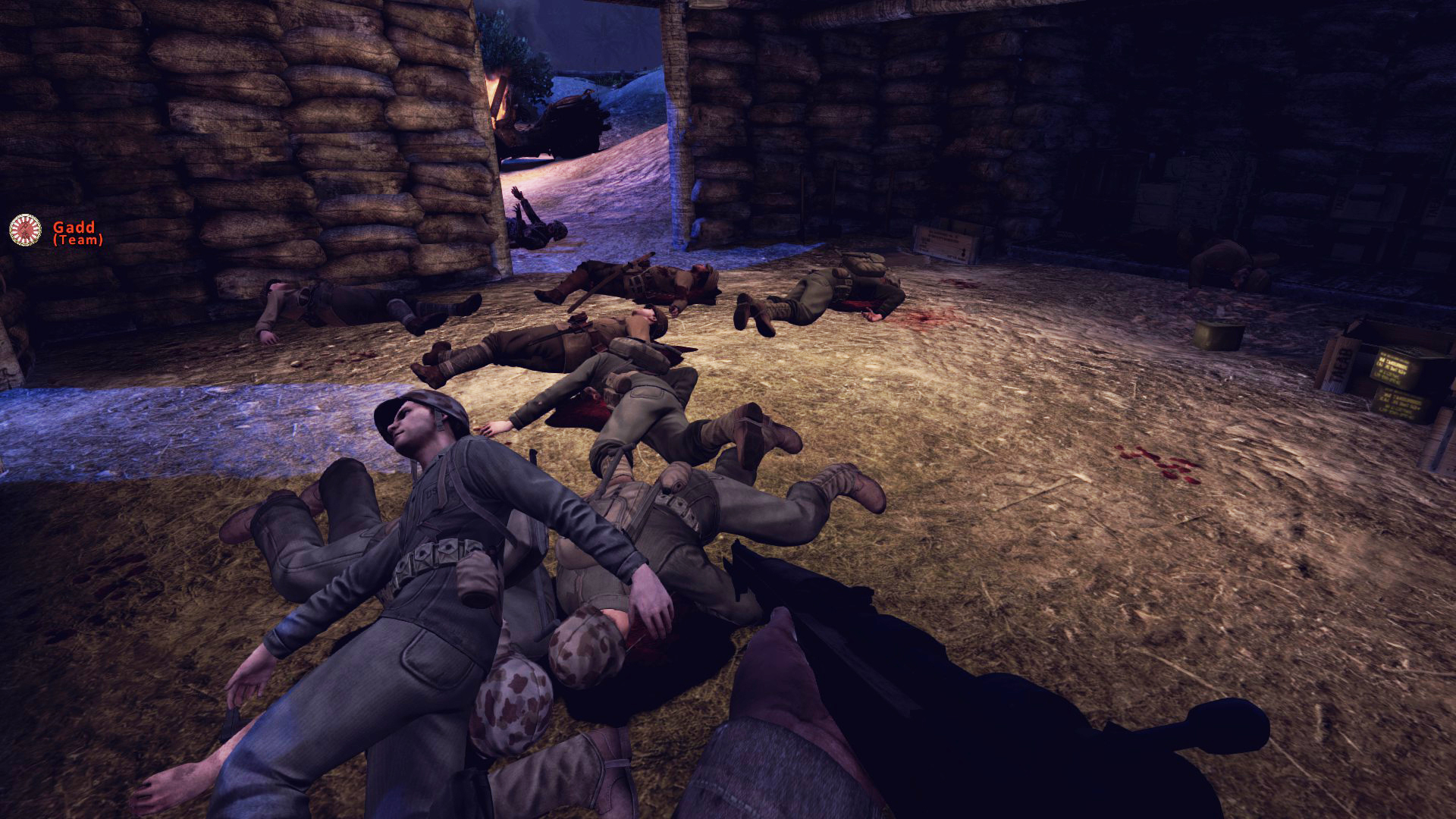
Other tweaks:
There are other tweaks that can be made in ROGame.ini to enhance realism, at the cost of performance:
[/tr]
Variable
Effect
MaxBulletImpactDecals=15
Maximum number of bullet holes
BulletImpactDecalLifetime=7.500000
The lifetime of bullet holes
DecalLifeSpan=10.0
The lifetime of other decal effects (blood splatter, explosion marks, etc.)
MaxPlayerWoundDecals=5
Maximum number of bullet holes on players/corpses
PlayerWoundDecalLifetime=60.000000
Lifetime of bullet holes on players/corpses