

Unicode Braille Art For Your Steam Profile Custom Info Box!
 Heλyz
Heλyz(174 ratings)
May 12, 2022 @ 4:24am10,119373
Modding or ConfigurationEnglish
Introduction
I've been getting a lot of requests recently from a different ASCII Art Guide, and I came up with an idea on making my own guide for it. Braille > ASCII
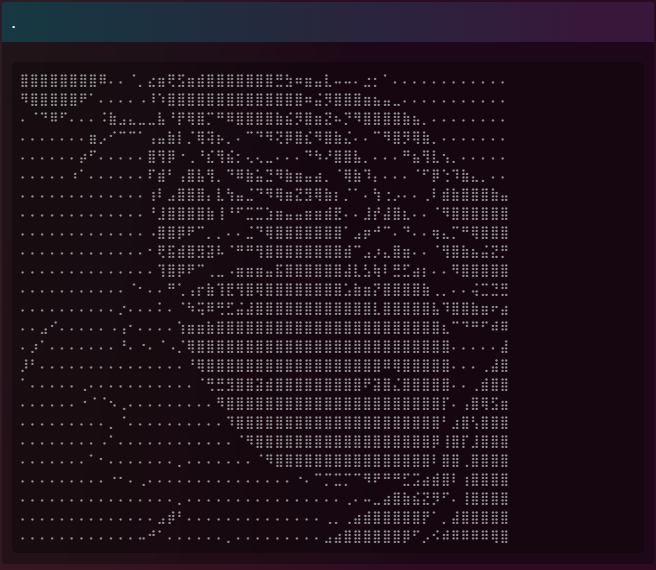
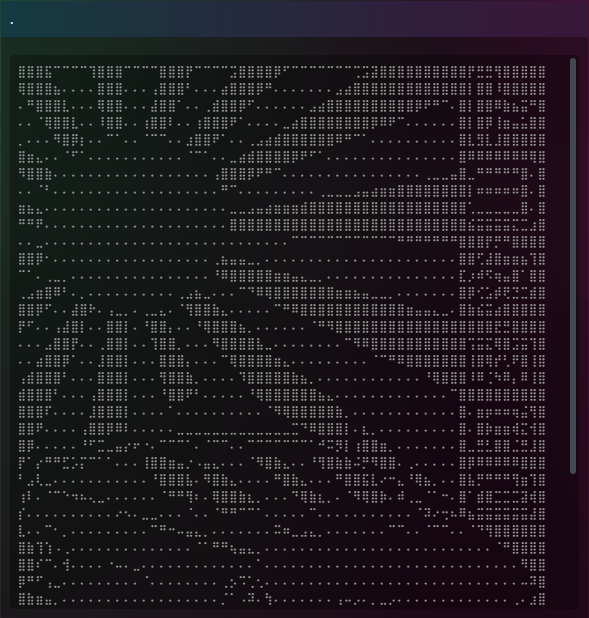
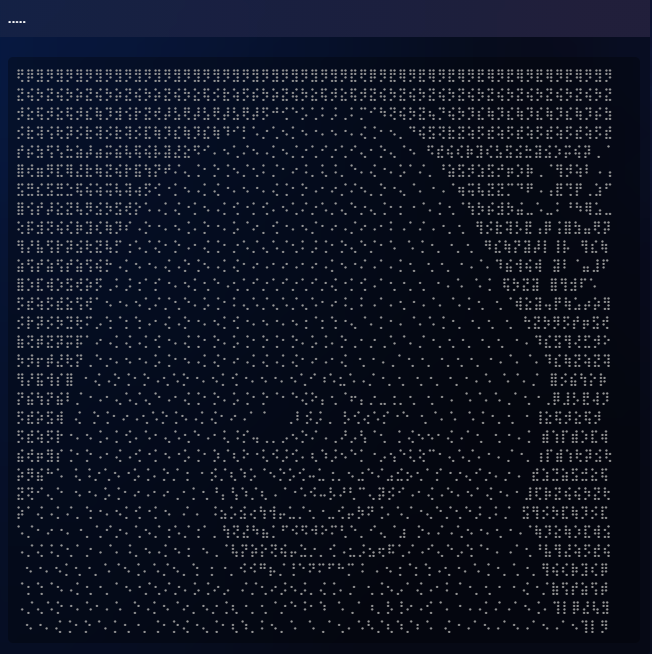
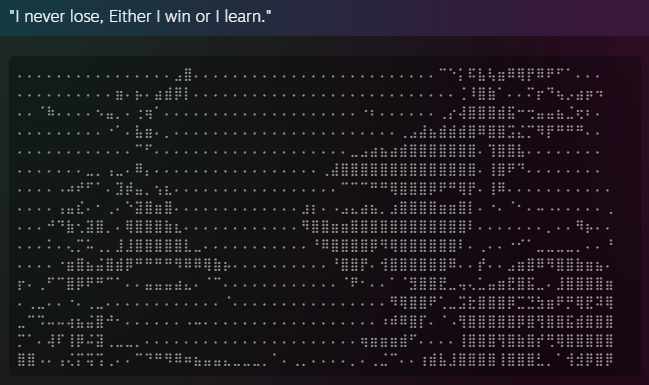
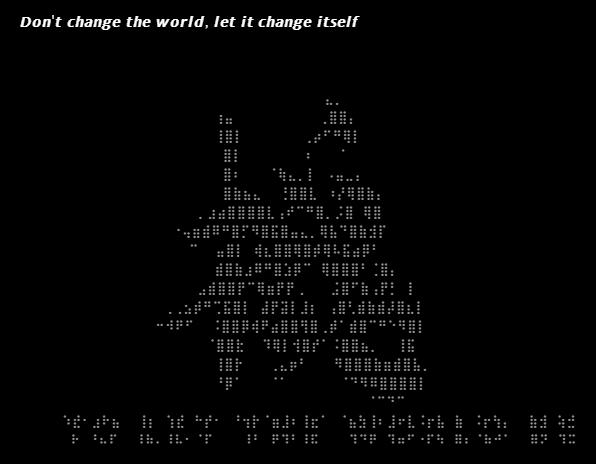
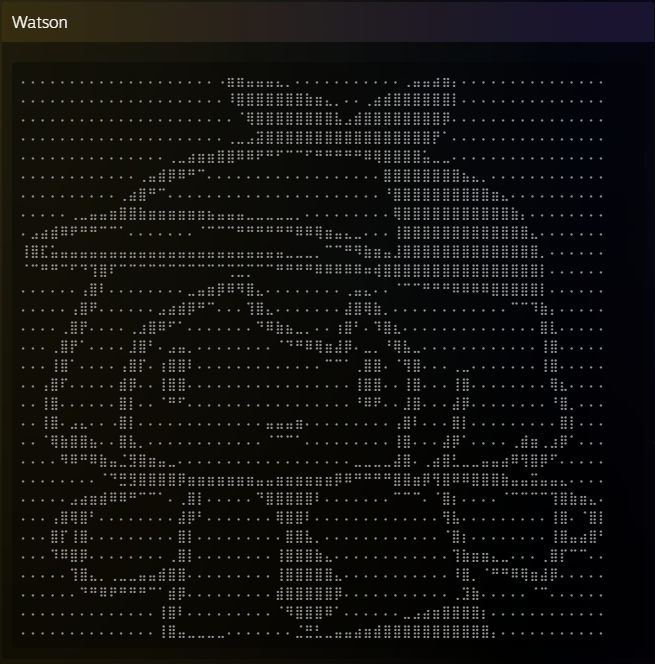
Braille Art is a cool way on decorating your steam profile via. Custom Info Box. Here's an example of mine below. (From Image to Braille)
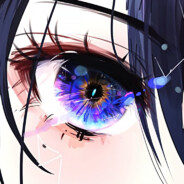
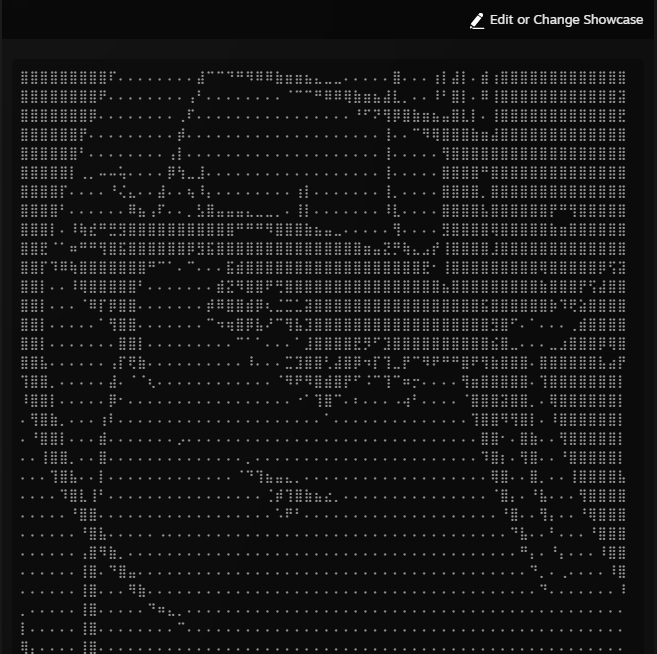
Braille Art is a cool way on decorating your steam profile via. Custom Info Box. Here's an example of mine below. (From Image to Braille)
Image (Before)
Braille Art (After)
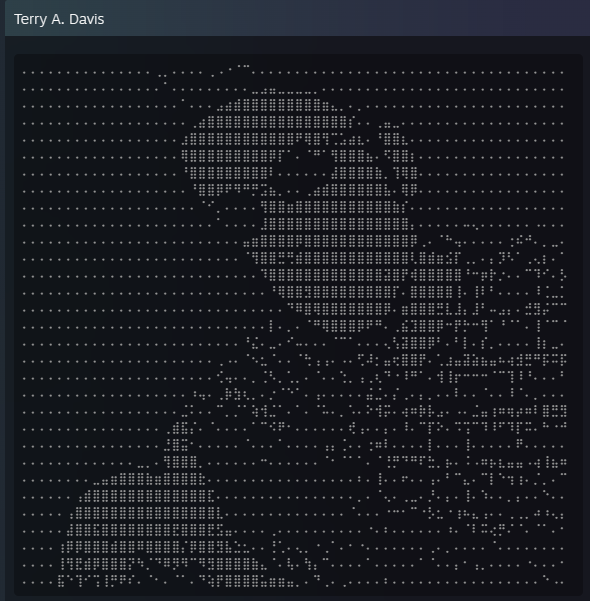
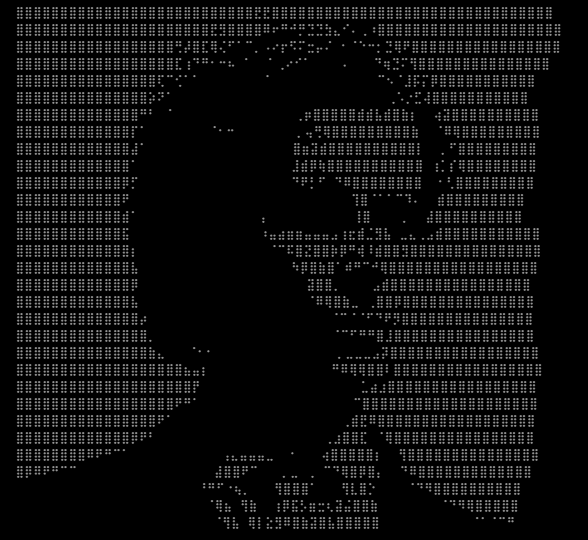
1) Open A Unicode Braille Character Generator
You can either use;
> Lachlan's Braille Ascii Art Generator [lachlanarthur.github.io]
or
> Image To Braille Generator [505e06b2.github.io].
I recommend on using the 2nd one because it is easier to use.
> Lachlan's Braille Ascii Art Generator [lachlanarthur.github.io]
or
> Image To Braille Generator [505e06b2.github.io].
I recommend on using the 2nd one because it is easier to use.
2) Generating the Braille Art Image
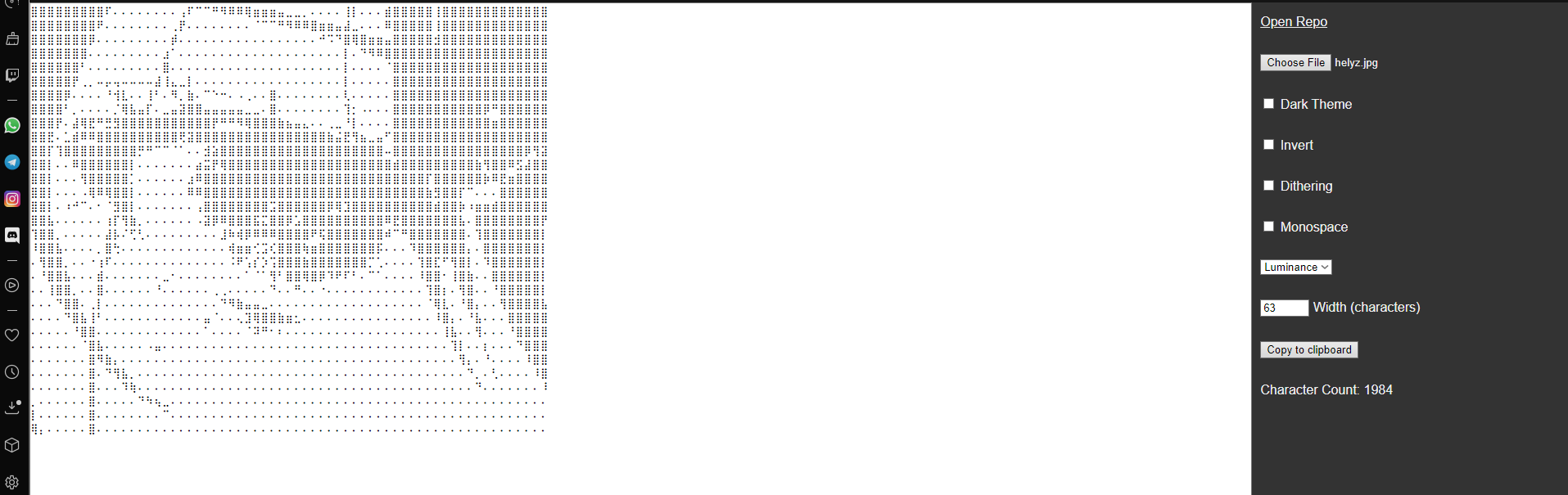
- Start off by inserting the desired image file you want to generate. It is located at the right side of your screen.
- After that, make sure the width must be atleast 60-63 characters wide. (Note that if the image produced in Custom Info Box isn't alligned properly, try lowering or increasing it till you hit the sweet spot. Big thanks to Kabbada for helping me do some tests.
- You can either customize on how you want by fiddling with those extra settings. Try to find the best-looking one. Below is an example of a good result.
- Once you're satisfied enough, click "Copy To Clipboard".

3) Inserting the Braille Art
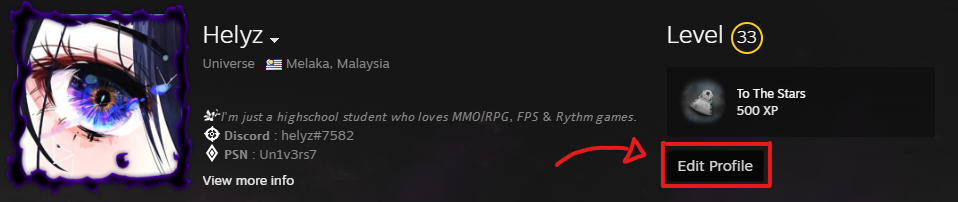
- Go to your Steam Profile and click "Edit Profile".
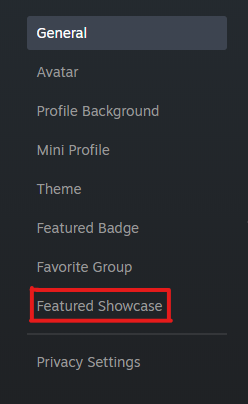
- Click on the Feature Showcase section and then add a Custom Info Box.
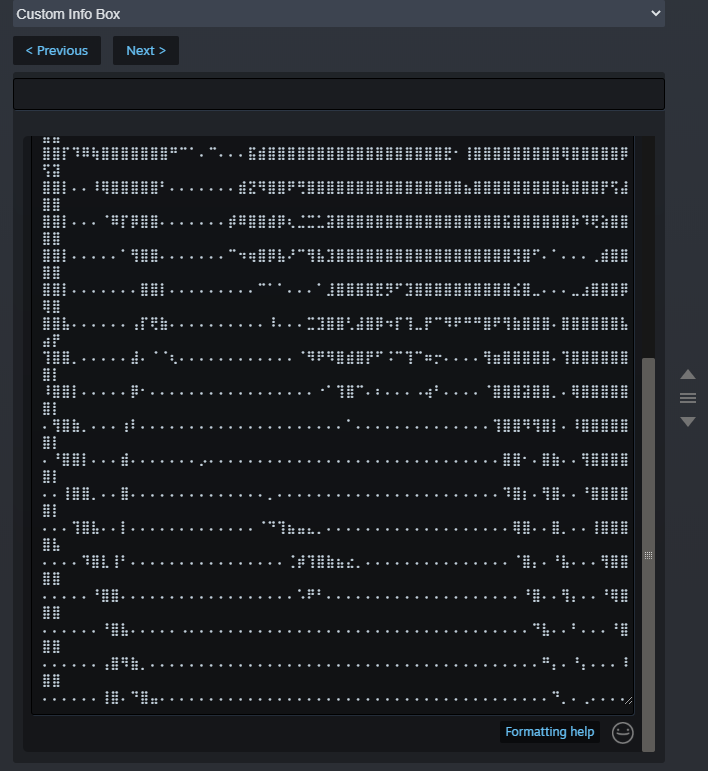
- Paste your Braille art and hit 'save' at the bottom of the page.
Your Braille Art Is Complete!
Voila! You have successfully made a cool-looking braille art for your profile.
If there is something wrong, feel free to inform me in the comments section.
See you later and have a nice day!

If there is something wrong, feel free to inform me in the comments section.
See you later and have a nice day!